The Shift That Changed How Scams Reach You
For years, scammers reached people mostly by phone call and email. That has changed. According to the Federal Trade Commission's latest reporting, covering 2025, more people reported being first contacted by a scammer through a text message than by any other method, putting text ahead of both phone calls and email for the first time.
This is a structural shift, not a blip. As recently as the FTC's 2024 Data Book, email was the most common contact method and text ranked third. Yet even then, reported losses to scams that started with a text hit $470 million in 2024, more than five times the 2020 figure. The volume kept climbing until text reached the top.
ScamVerify™ built dedicated text analysis precisely because of this trend. The channel where scams now begin most often is the one most people are least equipped to verify, and that gap is exactly what scammers are exploiting.
Why Scammers Moved to Text
- Texts get read. The overwhelming majority of text messages are opened within minutes, far faster and more reliably than email. For a scammer, that is unmatched reach.
- There is less protection. Inboxes have decades of spam filtering. Phones flag some spam calls. Text filtering is newer and weaker, so more scams land in front of you.
- People trust short messages. A brief, plain text feels personal and urgent. There is less room for the spelling and formatting tells that expose phishing emails.
- AI removed the last giveaway. Generative AI now writes clean, natural-sounding scam texts at scale, erasing the awkward grammar that used to make a fake obvious.
- It is cheap and global. Sending millions of texts costs almost nothing, and the senders are often overseas and hard to trace.
The Top Text Scams to Recognize
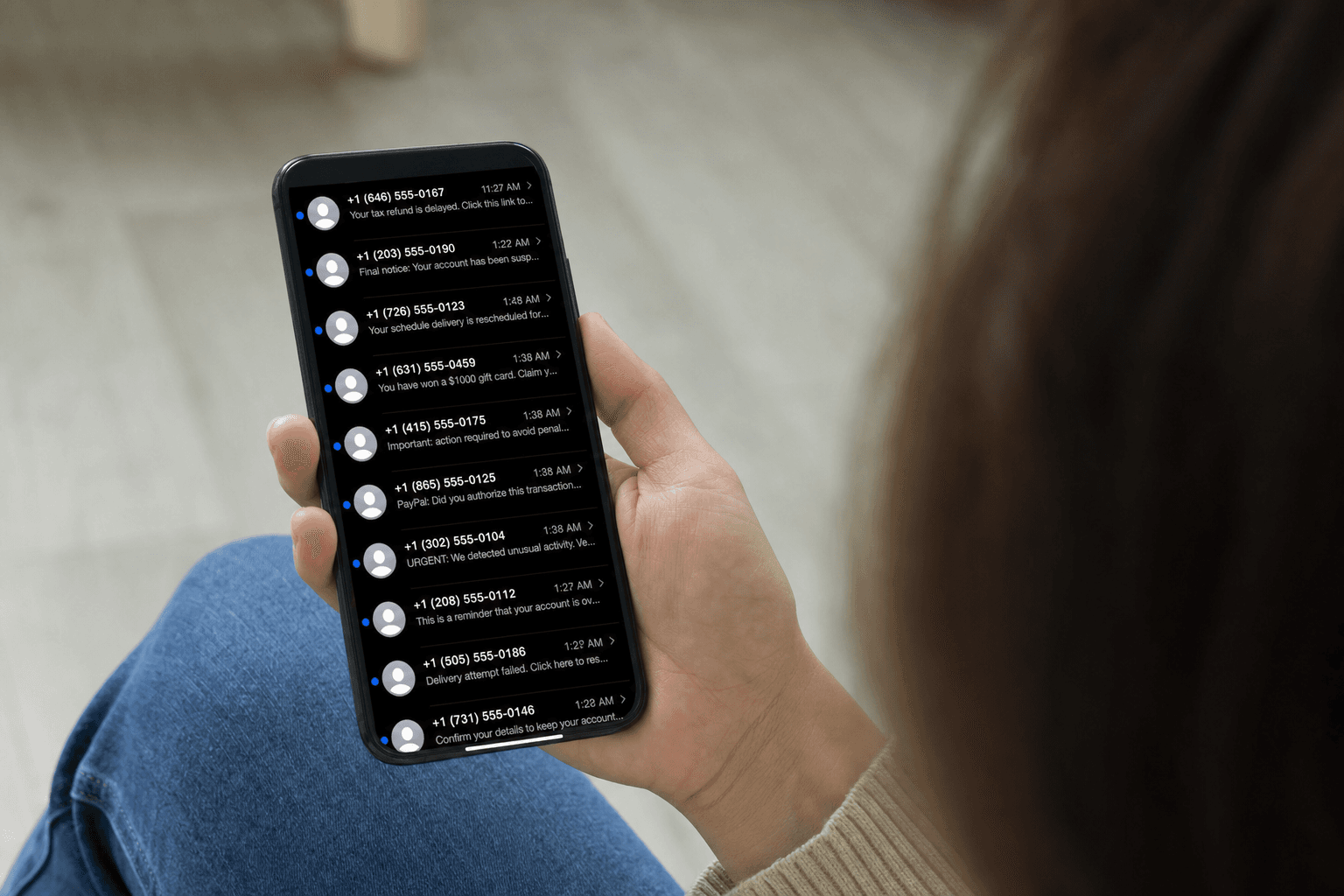
The FTC's data on the most-reported text scams maps almost exactly to what lands in real inboxes:
| Rank | Text scam type | What it claims |
|---|---|---|
| 1 | Fake package delivery | "Your package could not be delivered, confirm details here" |
| 2 | Bogus job and "task" offers | Easy money for simple online tasks, then a deposit is requested |
| 3 | Fake fraud alerts | "Did you make this charge? Reply to verify," impersonating your bank |
| 4 | Fake unpaid tolls | "You owe a toll, pay now to avoid penalties" |
| 5 | Wrong-number openers | A friendly "wrong number" that warms you up for a romance or crypto pitch |
Every one of these follows the same arc: a believable hook, a sense of urgency, and a link or reply that pulls you toward handing over credentials, card details, or money.
What a Scam Text Always Has in Common
No matter the disguise, scam texts share a fingerprint:
- A link or QR code pushing you to act outside the text.
- Urgency: a deadline, a threat, or a too-good reward that expires fast.
- A request to verify, confirm, or pay through that link rather than through an app or account you open yourself.
- A sender that does not match the brand it claims to be, often a random mobile number or overseas code.
- A demand for information a real company already has or would never ask for by text.
How to Verify Any Suspicious Text
The reason text scams work is that most people have no quick way to check a message. ScamVerify is built to close that gap.
Paste the text in. Drop any suspicious message into the ScamVerify text checker. It analyzes the wording for the impersonation and urgency patterns these campaigns reuse, without you having to tap a single link.
Check the link separately. If the text contains a URL, run it through the website checker, matched against our database of more than 175,000 known malicious domains.
Check the sender. Run the number through the phone lookup, which draws on more than 15 million FTC and FCC complaint records to flag numbers already tied to fraud.
When in doubt, go direct. If a text claims to be your bank, the post office, or a retailer, open that company's official app or call the number on your card. Never use the contact details in the message itself.
What to Do With a Scam Text
- Do not tap, reply, or call back. Even replying "STOP" confirms your number is active to a scammer.
- Forward it to 7726 (SPAM) so your carrier can analyze and block the source.
- Report it to the FTC at ReportFraud.ftc.gov. These reports feed the public data that powers fraud detection, including ScamVerify's.
- Delete it once reported.
The Bottom Line
Text is now the front door for scams, and it is the channel people are least prepared to scrutinize. The fix is a habit: treat any text that pushes you toward a link with suspicion, verify the message before you act, and contact companies through their official apps rather than the message in front of you. The medium changed. The defense, slowing down to verify, did not.
FAQ
Is text really the most common way scammers contact people now?
According to the FTC's reporting covering 2025, more people reported a scammer first reaching them by text than by any other method, moving text ahead of phone and email. This is a recent shift. In the FTC's 2024 Data Book, email was the top contact method and text was third, but the volume and sophistication of text scams have grown rapidly, pushing text to the top.
What is the most common text scam?
Fake package-delivery texts are the most-reported text scam in the FTC's data, followed by bogus job and "task" offers, fake bank fraud alerts, fake unpaid-toll notices, and "wrong number" messages that lead into romance or crypto scams. All of them rely on a believable hook, urgency, and a link or reply that moves you toward handing over money or information.
Should I reply STOP to a scam text to make it stop?
No. Replying anything, including STOP, confirms to the scammer that your number is active and monitored, which can lead to more messages. Instead, forward the text to 7726 (SPAM) so your carrier can act on it, report it to the FTC at ReportFraud.ftc.gov, and then delete it. Do not tap any links or call any numbers in the message.
How can I check whether a text is a scam before clicking?
Paste the message into the ScamVerify text checker, which analyzes the wording for known scam patterns without requiring you to open any link. If the text contains a URL, check it with the website checker, and run any phone number through the phone lookup. When a text claims to be from a company, the safest move is to ignore it and open that company's official app yourself.