TLDR
Fake package delivery texts impersonate USPS, UPS, FedEx, and Amazon to trick you into clicking phishing links. The links lead to fake tracking pages that steal your personal and financial information. ScamVerify™ URLhaus data tracks 69,088 malicious domains - and the .xyz TLD (715 domains) and .online TLD (182 domains) are disproportionately used for fake delivery and tracking pages.
What the Scam Texts Look Like
USPS Version
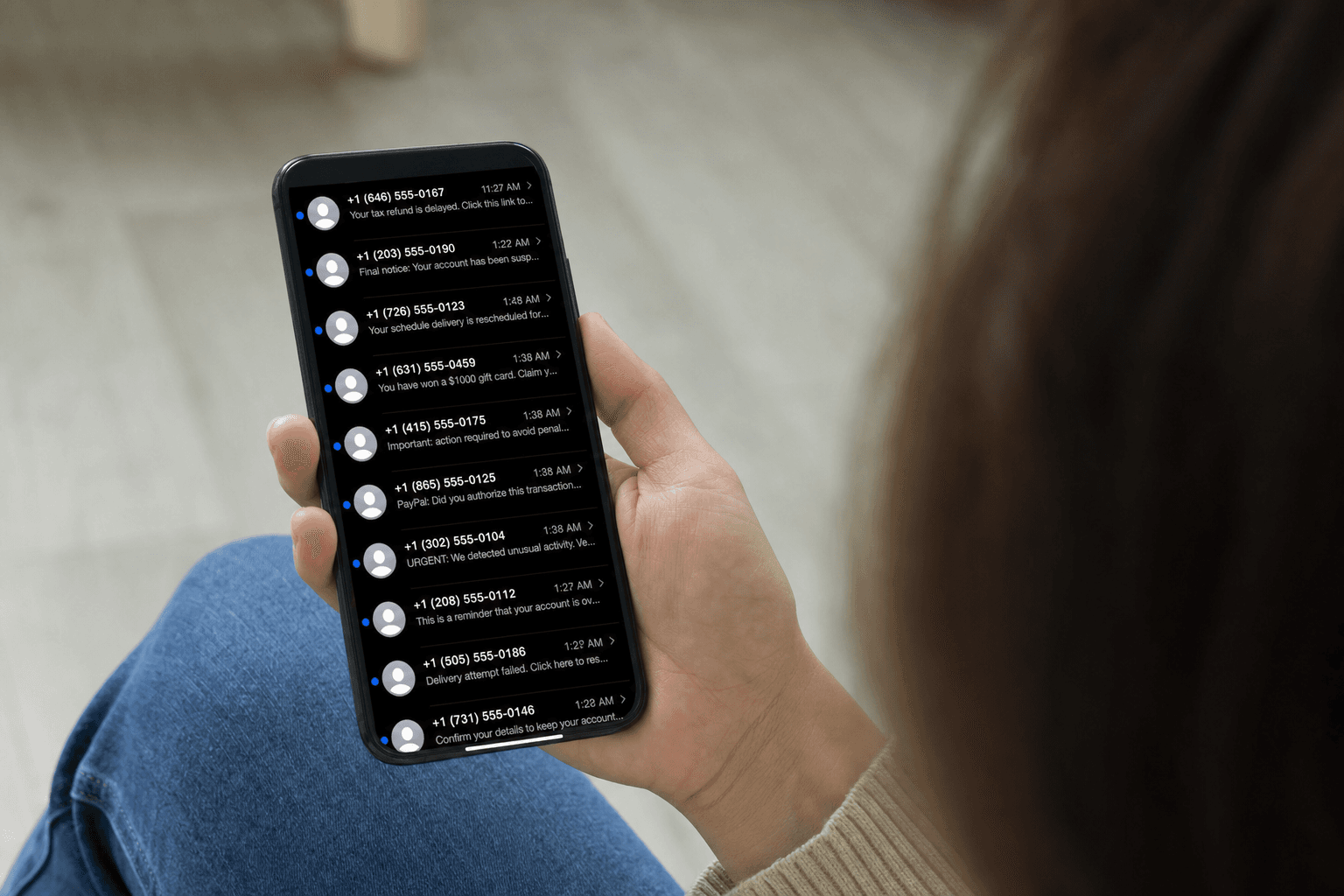
"USPS: Your package cannot be delivered due to an incomplete address. Update your information here: [link]"
UPS Version
"UPS: Delivery attempted. Package held at facility. Schedule redelivery: [link]"
FedEx Version
"FedEx: Your shipment is on hold. Confirm delivery details to proceed: [link]"
Amazon Version
"Amazon: Your order cannot be shipped. Verify your payment method: [link]"
The Phishing Infrastructure
These texts link to elaborate phishing websites that clone the real carrier's tracking interface. Here is what our URLhaus data reveals about the domains used:
| TLD | Malicious Domains | Use Pattern |
|---|---|---|
| .com | 59,876 (86.7%) | General phishing, high-trust appearance |
| .net | 4,000 (5.8%) | Secondary phishing domains |
| .org | 3,996 (5.8%) | Government/institution impersonation |
| .xyz | 715 (1.0%) | Cheap registration, delivery/tracking fakes |
| .online | 182 (0.3%) | Delivery and payment phishing |
| .site | 181 (0.3%) | Similar to .online usage |
The .xyz and .online TLDs are disproportionately used for package delivery scams relative to their tiny share of legitimate web traffic. Scammers favor these because:
- Domain registration costs as little as $1/year
- Bulk registration is easy
- They can burn through domains faster when they get flagged
However, most delivery phishing now uses .com domains for credibility. A domain like usps-tracking-update.com looks more legitimate than usps-track.xyz.
How the Phishing Page Works
Step 1: Fake Tracking Page
The site shows a realistic tracking interface with your "package status." It displays a fake tracking number and delivery timeline.
Step 2: Address Verification
You are asked to "update" or "verify" your delivery address. This collects your full name and physical address.
Step 3: Redelivery Fee
A small fee ($1.99-$3.99) is requested for "redelivery" or "address correction." This is the credit card harvesting step. They collect:
- Full card number
- Expiration date
- CVV
- Billing address
Step 4: Fraud
Your card details are used for unauthorized purchases, often within minutes. The small initial charge is a test - larger charges follow.
How to Verify Real Delivery Notifications
| Carrier | Real Tracking URL | How to Verify |
|---|---|---|
| USPS | tools.usps.com/go/TrackConfirmAction | Go to usps.com directly |
| UPS | ups.com/track | Go to ups.com directly |
| FedEx | fedex.com/fedextrack | Go to fedex.com directly |
| Amazon | amazon.com/orders | Go to amazon.com directly |
Never use a link from a text message. Always go to the carrier's website directly by typing the URL or using their official app.
Red Flags for Delivery Scam Texts
- You are not expecting a package (obvious but effective)
- No specific tracking number in the message
- Link domain does not match the carrier (usps-delivery-update.com is not usps.com)
- Request for payment - carriers do not charge redelivery fees via text
- Urgency ("will be returned to sender in 24 hours")
- Sent from a regular phone number instead of a short code
FAQ
Do USPS, UPS, or FedEx ever send delivery texts?
Yes, if you have opted into their notification services. USPS Informed Delivery, UPS My Choice, and FedEx Delivery Manager all send legitimate texts. Key differences: legitimate texts come from verified short codes, reference real tracking numbers, and link to the carrier's official domain only.
Why are delivery scam texts so common?
Nearly everyone receives packages regularly, especially from online shopping. The scammers do not need to know you ordered something - the probability that you have a pending delivery at any given time is high enough to make the scam profitable at scale.
Can clicking the link infect my phone?
Simply visiting the phishing page is unlikely to infect a fully updated phone. The danger is entering information on the page. If you clicked but did not enter any information, clear your browser data and you should be fine. If you entered any information, follow the damage control steps above.