TLDR
Phishing emails are designed to look identical to legitimate messages. ScamVerify™ tracks 69,088 malicious domains, and 86.7% of them use .com extensions, making them look perfectly normal. The 10-point checklist below covers what to check before clicking any link or opening any attachment.
Why You Cannot Trust Your Eyes Alone
The days of obvious phishing (broken English, Nigerian prince stories) are fading. Modern phishing emails:
- Use perfect grammar and branding
- Come from domains that look legitimate (.com, .net, .org)
- Include real company logos and formatting
- Reference real transactions or account details
Our URLhaus threat data shows the TLD breakdown of malicious domains:
| Extension | Malicious Domains | Percentage |
|---|---|---|
| .com | 59,876 | 86.7% |
| .net | 4,000 | 5.8% |
| .org | 3,996 | 5.8% |
| .xyz | 715 | 1.0% |
| .online | 182 | 0.3% |
| .site | 181 | 0.3% |
You cannot rely on the domain extension to determine if an email is legitimate. Use the full checklist below.
The 10-Point Phishing Check
1. Sender Email Address
Look at the actual email address, not just the display name. A phishing email might show "PayPal Security" but the actual address is security@paypa1-verify.com (note the number 1 instead of the letter l).
2. Domain Spelling
Check the sender's domain character by character. Common tricks:
arnazon.cominstead ofamazon.commicrosoftt.cominstead ofmicrosoft.comapp1e.cominstead ofapple.com
3. Urgency Language
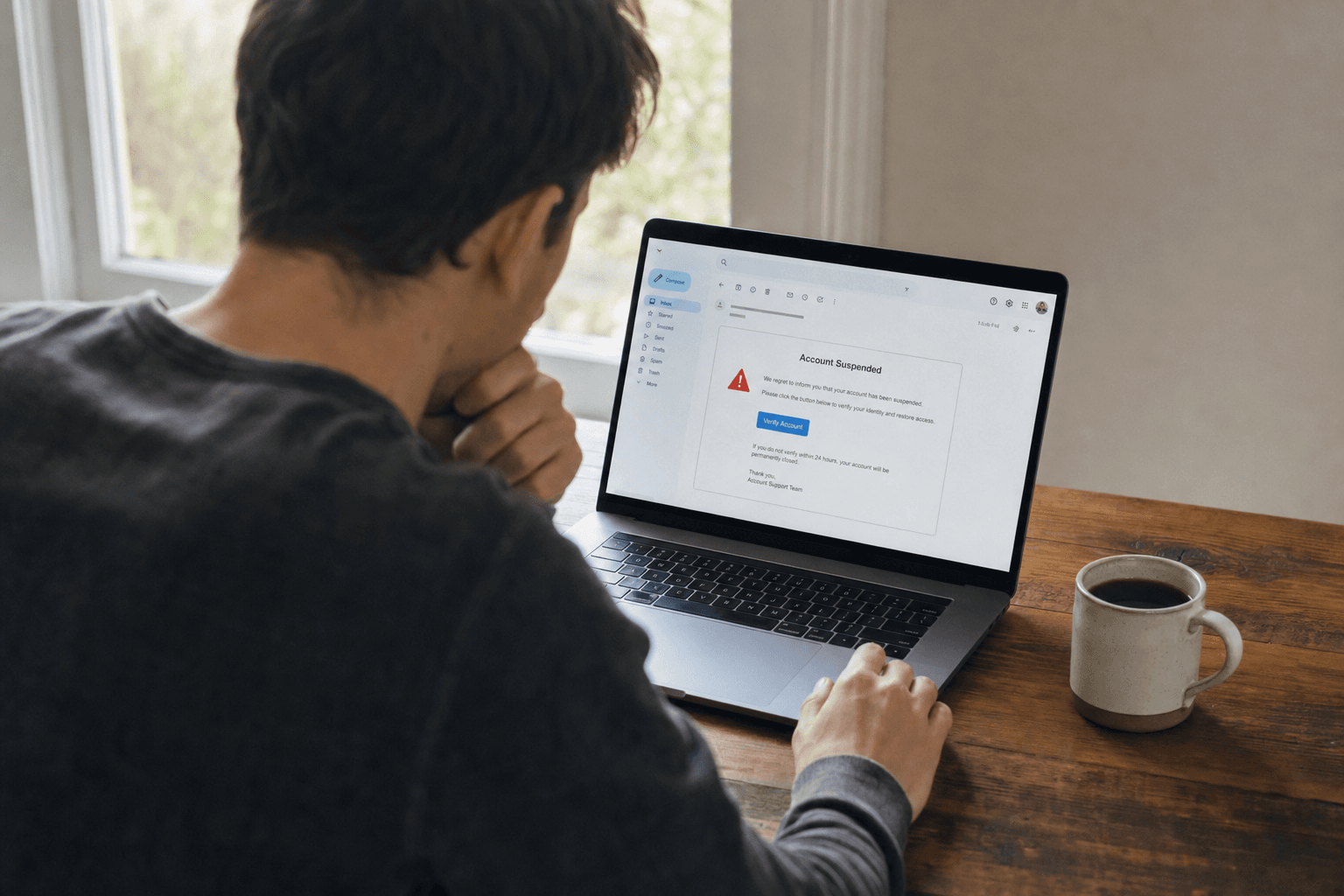
"Your account will be closed," "unauthorized transaction detected," "verify within 24 hours." Legitimate companies give you reasonable timeframes and multiple ways to respond.
4. Generic Greeting
"Dear Customer" or "Dear User" instead of your name. Your bank knows your name.
5. Hover Over Links (Do Not Click)
Hover your mouse over any link to see the actual destination URL. If the visible text says "Sign in to PayPal" but the URL goes to paypal-login-secure.com, it is phishing.
6. Attachment Types
Be wary of unexpected attachments, especially:
.zipor.rarfiles (may contain malware).htmlor.htmfiles (may load a phishing page locally).docor.xlswith macros (can execute malicious code).pdffiles from unknown senders (can contain malicious links)
7. Reply-To Address
Some phishing emails set a different Reply-To address than the From address. If you reply, your response goes to the attacker instead of the displayed sender.
8. Inconsistent Branding
Compare the email's visual design with previous legitimate emails from the same company. Look for wrong colors, outdated logos, mismatched fonts, or formatting that does not match the company's usual style.
9. Spelling and Grammar Errors
While AI-generated phishing is improving, many emails still contain subtle errors. Look for awkward phrasing, extra spaces, or inconsistent capitalization.
10. Request for Sensitive Information
No legitimate company asks for passwords, Social Security numbers, credit card details, or bank account numbers via email. This is the single biggest red flag.
What to Do If You Suspect Phishing
- Do NOT click any links or open attachments
- Do NOT reply to the email
- Report it to your email provider (Gmail: click three dots > "Report phishing")
- Forward phishing emails to
reportphishing@apwg.org - Check the sender's domain on ScamVerify
- If the email claims to be from a company you use, go directly to their website by typing the URL yourself
FAQ
Can phishing emails infect my computer just by opening them?
In modern email clients (Gmail, Outlook), simply opening an email is generally safe. The danger comes from clicking links, opening attachments, or enabling macros. However, viewing email in HTML format can load tracking pixels that confirm your address is active.
How do phishing emails get past my spam filter?
Sophisticated phishing emails use clean domains (our data shows 86.7% use .com), proper SPF/DKIM authentication, and content that does not trigger keyword filters. They are designed specifically to evade automated detection.
What is spear phishing?
Spear phishing targets a specific individual using personal details (your name, employer, recent purchases). It is harder to detect because the email appears personally relevant. Business Email Compromise, which we cover in a separate article, is a form of targeted spear phishing.